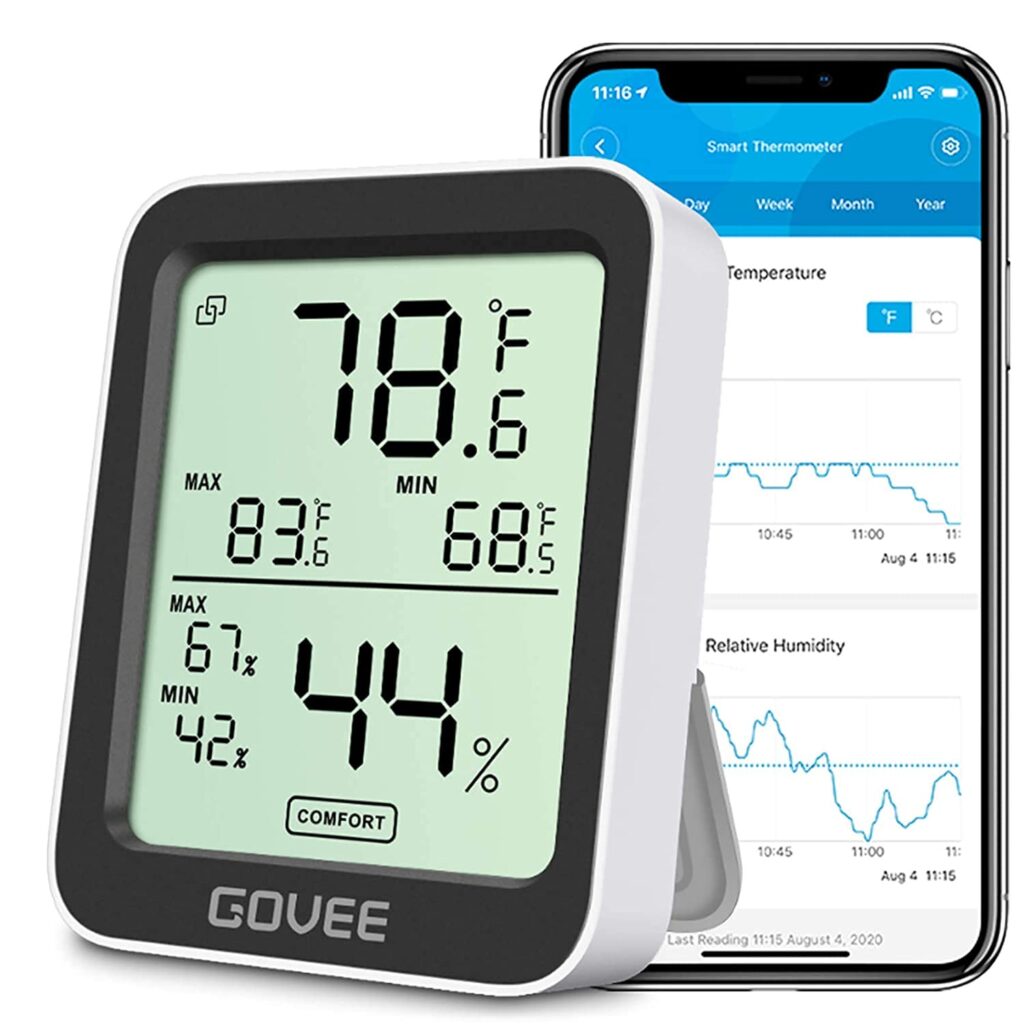
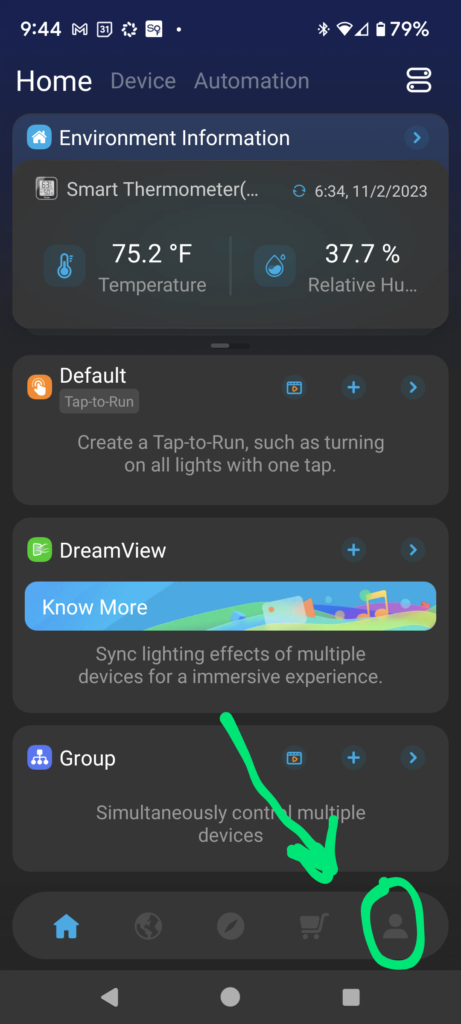
1. Open the Govee app
2. Touch the profile option
3. Touch the Themes option
4. Touch “Dark Theme” and the app will go dark
Enjoy!